Configuring the OCI Provider in Terraform/OpenTofu: Cloud Shell, Resource Manager, Multi-Region, and Home Region Best Practices
- Posted by Martin Linxfeld
- Categories terraform, multicloud, Oracle Cloud Infrastructure (OCI), Tutorials
- Date November 5, 2025
- Comments 0 comment
- Tags OCI Cloud Shell, OCI compartments, OCI global resources, OCI Home Region, OCI IAM Terraform, OCI multi region, OCI provider terraform, oci resource manager, Terraform aliases, Terraform configuration
Introduction
Configuring the OCI provider Terraform or OpenTofu works very differently from Azure. In Azure, every resource belongs to a Resource Group, and that group determines its region. Terraform doesn’t need to know much about geography — all resources automatically inherit the location from their group.
In Oracle Cloud Infrastructure (OCI), however, there’s no such implicit regional binding.
Each resource must explicitly know which region it belongs to, and that information comes directly from the provider configuration.
That’s why in OCI you’ll often see setups with multiple aliased providers — one for each region — and sometimes a dedicated Home Region provider for global services like IAM or Tag Namespaces.
In this guide, you’ll learn how to:
Configure the OCI provider correctly in Cloud Shell and Resource Manager (no keys required)
Handle multi-region deployments using provider aliases
Use a Home Region provider for global resources
Avoid common authentication and aliasing mistakes
If you’re coming from the Azure world, start with this comparison:
👉 Azure Virtual Network Deployment with Terraform
It highlights how Azure’s Resource Group model differs from OCI’s explicit regional design.
1. Configuring the OCI Provider Terraform in Cloud Shell and Resource Manager
When running Terraform from OCI Cloud Shell or OCI Resource Manager (ORM), you don’t need to manually configure API keys (user_ocid, fingerprint, or private_key_path).
These environments already provide built-in authentication:
Resource Manager uses a Resource Principal — a secure identity automatically attached to the stack.
Cloud Shell uses your session credentials and the local OCI CLI configuration.
So, a minimal provider block is enough:
provider "oci" {
  region = var.region
}
💡 Tip: You don’t have to set auth = "ResourcePrincipal" — the provider automatically detects Resource Manager and uses the correct mode.
Note: tenancy_ocid and Authentication Context
Depending on where Terraform runs, tenancy_ocid may or may not be required:
Environment
Needs tenancy_ocid?
Authentication Method
Notes
Resource Manager
❌ No
Resource Principal
Region is enough. No keys or OCIDs required.
Cloud Shell
⚙️ Sometimes
CLI config & session token
Usually inferred from ~/.oci/config, but can be added explicitly if missing.
Local or CI/CD
✅ Yes
API keys / config file
tenancy_ocid must be provided explicitly.
In Cloud Shell, the provider automatically reads your ~/.oci/config and uses the session token of the active user.
If your CLI profile is named something other than DEFAULT, it’s safer to specify:
provider "oci" {
  config_file_profile = "DEFAULT"
  region              = var.region
}
If you see an error likeError: Missing required argument: tenancy_ocid,
it means the provider couldn’t infer tenancy from your session — double-check your Cloud Shell config.
2. Multi-Region Deployments with Provider Aliases
When deploying to multiple OCI regions, you must define separate aliased providers and reference them explicitly for every resource or data source.
# providers.tf
variable "region1" { type = string }
variable "region2" { type = string }

provider "oci" {
  alias  = "region1"
  region = var.region1
}

provider "oci" {
  alias  = "region2"
  region = var.region2
}
Then assign the proper alias in each resource:
# VCN in Region 1
resource "oci_core_virtual_network" "vcn_r1" {
  provider       = oci.region1
  cidr_block     = var.vcn_cidr_r1
  dns_label      = "foggykitchenr1"
  compartment_id = oci_identity_compartment.network.id
  display_name   = "FoggyKitchen-VCN-R1"
}

# VCN in Region 2
resource "oci_core_virtual_network" "vcn_r2" {
  provider       = oci.region2
  cidr_block     = var.vcn_cidr_r2
  dns_label      = "foggykitchenr2"
  compartment_id = oci_identity_compartment.network.id
  display_name   = "FoggyKitchen-VCN-R2"
}
✅ Always use explicit provider aliases (provider = oci.regionX) for both resources and data sources.
Example from the flagship course:
In Lesson 9 (Remote Peering), each VCN is created in a distinct region using provider aliases:
resource "oci_core_virtual_network" "FoggyKitchenVCN" {
  provider       = oci.region1
  cidr_block     = var.VCN-CIDR
  dns_label      = "FoggyKitchenVCN"
  compartment_id = oci_identity_compartment.FoggyKitchenCompartment.id
  display_name   = "FoggyKitchenVCN"
}
3. Home Region for Global Services (IAM, Compartments, Tag Namespaces)
Some OCI services — like IAM, Compartments, and Tag Namespaces — are global, not regional.
They must be managed from your Home Region, otherwise you risk API errors or inconsistent state.
Detect your Home Region dynamically:
data "oci_identity_region_subscriptions" "home_region_subscriptions" {
  tenancy_id = var.tenancy_ocid
}

locals {
  home_region = data.oci_identity_region_subscriptions.home_region_subscriptions
                  .region_subscriptions[0].region_name
}
Then declare a dedicated provider for it:
provider "oci" {
  alias        = "homeregion"
  tenancy_ocid = var.tenancy_ocid
  region       = local.home_region
}
And use that provider for global resources:
resource "oci_identity_compartment" "network" {
  provider       = oci.homeregion
  name           = "foggykitchen-network"
  description    = "Networking compartment"
  compartment_id = var.tenancy_ocid
}

resource "oci_identity_tag_namespace" "global_tags" {
  provider       = oci.homeregion
  compartment_id = var.tenancy_ocid
  name           = "fk"
  description    = "FoggyKitchen global tags"
}
💡 Why it matters: Managing global resources through a regional provider can lead to inconsistent state or API errors. Always use your Home Region for IAM and tagging operations.
4. Passing Provider Aliases to Modules
When using modules, explicitly pass the correct provider alias through the providers map:
module "foggykitchen_function1" {
  source = "github.com/mlinxfeld/terraform-oci-fk-function"
  providers = {
    oci = oci.region1
  }
}

module "foggykitche_oke" {
  source = "github.com/mlinxfeld/terraform-oci-fk-oke"
  providers = {
    oci = oci.region2
  }
}
Otherwise, modules may default to the wrong provider and deploy to the wrong region.
💡 Related Practical Examples
Both modules used in the snippet above come from real-world training environments:
🧩 OCI Serverless Functions with Terraform (2024 Edition) — demonstrates how to build and deploy Functions (Fn) using the FoggyKitchen Terraform module.
☸️ OCI Kubernetes Engine with Terraform/OpenTofu (2025 Edition) — covers automated OKE cluster provisioning with region-specific providers.
Each course includes ready-to-use modules (terraform-oci-fk-function and terraform-oci-fk-oke) that illustrate how to pass provider aliases for different OCI regions in practice.
5. Local and CI/CD Environments
Outside Cloud Shell and ORM, you have several authentication options:
a) OCI CLI Config File
provider "oci" {
  config_file_profile = var.oci_profile  # e.g. "DEFAULT"
  region              = var.region
}
b) Environment Variables
Define TF_VAR_tenancy_ocid, TF_VAR_user_ocid, etc., or manage them securely in .auto.tfvars or your CI/CD secrets manager.
c) Instance Principal
If Terraform runs from an OCI compute instance, you can use Instance Principal authentication (with proper IAM policies).
7. Quick Checklist
✅ No API keys in Cloud Shell or Resource Manager
✅ Separate provider aliases per region
✅ Dedicated oci.homeregion provider for global services
✅ Pass aliases to modules explicitly
✅ Keep secrets out of source control (Vault or CI/CD secrets)
Explore More
If you’re just getting started with OCI networking, read the foundational guide:
👉 Creating an OCI Virtual Cloud Network (VCN) with Terraform
And for a direct comparison with Azure:
👉 Azure Virtual Network Deployment with Terraform
Want to explore full multi-region automation in action?
🎓 OCI Infrastructure Automation (Flagship Course) — includes hands-on labs, real-world topologies, and reusable provider templates.
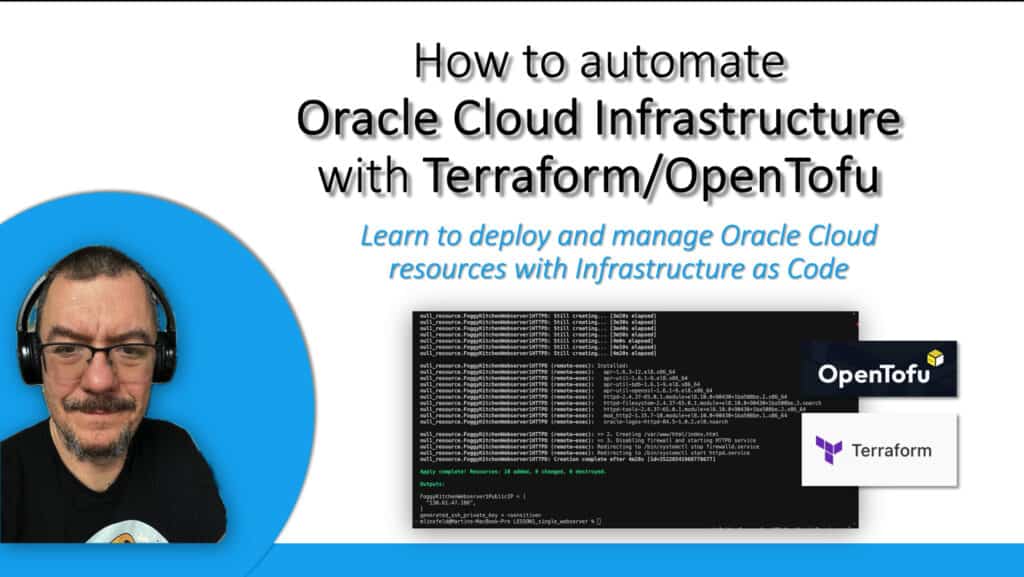
Master OCI Automation with Terraform/OpenTofu
Build, attach, and manage every OCI resource — from compute and networking to block storage — using clean, reusable Infrastructure-as-Code recipes.
Learn the full workflow step-by-step in the FoggyKitchen flagship course.
🔒 Lifetime • ⏱️ Self-paced • 🧪 Real labs