Provisioning OCI Block Volumes with Terraform/OpenTofu — and Why It’s Not Quite Like Azure
- Posted by Martin Linxfeld
- Categories Oracle Cloud Infrastructure (OCI), opentofu, storage, terraform
- Date June 6, 2025
- Comments 0 comment
- Tags Infrastructure as Code, iSCSI, Multicloud, OCI Block Volume, oci_core_volume, OpenTofu, Remote Exec, terraform
In this post, we’ll explore how to create and attach an OCI Block Volume Terraform/OpenTofu — one of the most fundamental building blocks in any Oracle Cloud Infrastructure deployment. Block storage is the quiet workhorse of every cloud environment. It powers databases, application backends, and the stateful workloads that can’t live on ephemeral disks. In Oracle Cloud Infrastructure (OCI), Terraform (or OpenTofu) gives us full control over how those block volumes are created, attached, and managed.
But here’s the interesting part — provisioning a block volume in OCI is not the same experience you’ll get in Azure or AWS. There’s one small but important extra step that reveals how OCI really works under the hood.
Step 1 – Defining the OCI Block Volume Terraform
A basic definition looks familiar to anyone who’s ever touched Terraform:
resource "oci_core_volume" "foggykitchen_backend_vm_block_volume" {
  availability_domain = var.availability_domain
  compartment_id      = var.compartment_id
  size_in_gbs         = 50
}

resource "oci_core_volume_attachment" "foggykitchen_backend_vm_attachment" {
  instance_id = oci_core_instance.foggykitchen_backend_vm.id
  volume_id   = oci_core_volume.foggykitchen_backend_vm_block_volume.id
}
This Terraform configuration defines an OCI Block Volume Terraform/OpenTofu and attaches it to a backend VM.
At this point, Terraform has done its job — the volume exists and is attached to the compute instance.
If you stop here and SSH into the VM, though, you’ll notice something: no new disk appears.
You can also check the official Terraform OCI Provider documentation for more configuration details.
Step 2 – The Hidden iSCSI Dance
OCI block volumes use an iSCSI layer between the VM and the storage backend (unless you explicitly choose paravirtualized mode).
That means the operating system must discover and log in to an iSCSI target exposed on a link-local address (169.254.2.x) before the device becomes visible.
This is the part that often surprises engineers coming from Azure.
In Azure, once a Managed Disk is attached, it simply appears as /dev/sdc or /dev/disk/1.
In OCI, you have to make the handshake happen.
In my environments, I automate this step using a small shell helper:
Figure 1. OCI block storage architecture — backend VMs in private subnet discover and connect to block volumes via iSCSI after Terraform attachment.
#!/bin/bash
# iscsiattach.sh - simplified
for ip in 169.254.2.{2..33}; do
  iscsiadm -m discovery -t st -p ${ip}:3260 2>/dev/null | awk '{print $2}' | while read -r target; do
    iscsiadm -m node -o new -T "$target" -p ${ip}:3260 || true
    iscsiadm -m node -o update -T "$target" -n node.startup -v automatic
    iscsiadm -m node -T "$target" -p ${ip}:3260 -l || true
  done
done
Terraform uploads and runs this script over SSH through a bastion host:
resource "null_resource" "iscsi_attach" {
  triggers = { instance_id = oci_core_instance.backend.id }

  provisioner "file" {
    connection { /* ssh via bastion */ }
    source      = "iscsiattach.sh"
    destination = "/home/opc/iscsiattach.sh"
  }

  provisioner "remote-exec" {
    connection { /* ssh via bastion */ }
    inline = [
      "sudo chmod +x /home/opc/iscsiattach.sh",
      "sudo /home/opc/iscsiattach.sh && lsblk"
    ]
  }
}
Once the session is established, lsblk finally lists your new device.
From there, it’s just standard Linux: format, mount, and (ideally) add a persistent entry in /etc/fstab.
Why OCI Does It This Way
Provisioning an OCI Block Volume Terraform gives you deeper control over performance tiers and attachment options.
That extra iSCSI handshake gives you fine-grained control over performance and multipath behavior.
It also means you can detach and re-attach volumes between instances without rebooting — a pattern familiar to anyone managing SANs.
It’s more flexible, but also slightly more hands-on.
Azure, on the other hand, hides this complexity.
When you create a Managed Disk and attach it to a VM, the hypervisor layer takes care of discovery and device presentation automatically.
You still need to format and mount the disk, but there’s no network discovery involved.
Neither approach is “better” — they simply reflect different philosophies:
OCI exposes the plumbing; Azure abstracts it away.
How I Automate It in Practice
In production I prefer moving away from provisioners and into cloud-init or systemd units, so that every boot re-establishes the iSCSI session and remounts the volume if needed. That’s the difference between “it works once” and “it’s fully automated.”
This is exactly the sort of refinement we explore inside my training labs.
From Block Volumes to Multicloud Thinking
Understanding this small OCI detail helps when you start connecting clouds.
Once you’ve mastered oci_core_volume and its iSCSI nuances, comparing it with Azure Managed Disks becomes natural — and that’s where true multicloud insight begins.
If you’re just getting started with Terraform on Oracle Cloud, you’ll find a full step-by-step implementation (including formatting, mounting, and persistent configuration) in my flagship training:
👉 How to Automate Oracle Cloud Infrastructure with Terraform/OpenTofu (2025 Edition)
And if you’d like to see how the same concept plays out in Azure — and how both clouds can work together in a single IaC workflow — check out:
👉 Multicloud Foundations: Azure & OCI deployed with Terraform/OpenTofu
FoggyKitchen Takeaway
At FoggyKitchen we don’t just “spin up” resources — we cook them with precision.
Sometimes that means adding a little seasoning like iSCSI discovery or a remote-exec garnish.
It’s those small steps that turn basic automation into real Infrastructure-as-Code craftsmanship.
Stay curious. Keep experimenting.
And remember: the cloud may be abstract, but storage is always real. 🍳
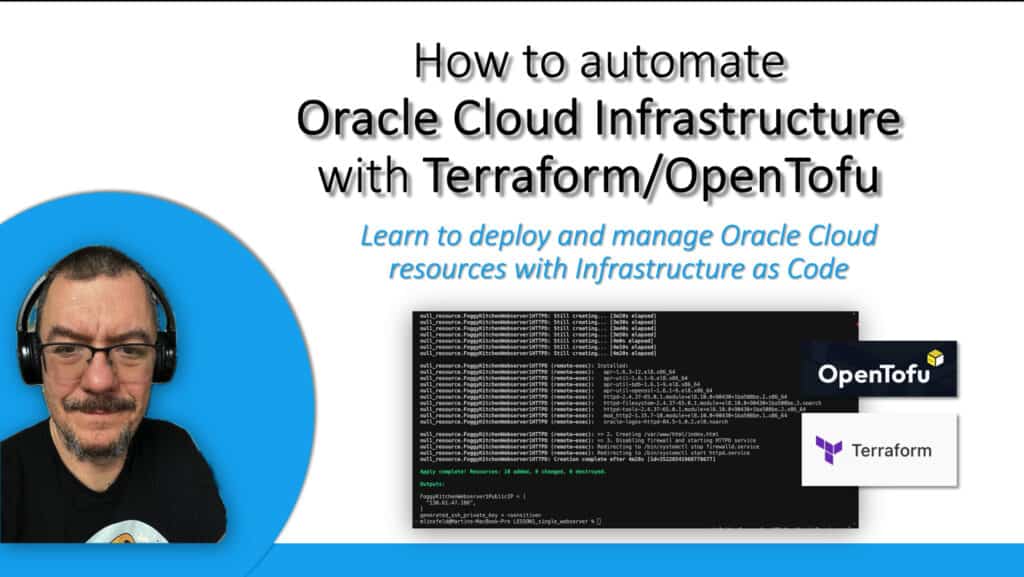
Master OCI Automation with Terraform/OpenTofu
Build, attach, and manage every OCI resource — from compute and networking to block storage — using clean, reusable Infrastructure-as-Code recipes.
Learn the full workflow step-by-step in the FoggyKitchen flagship course.
🔒 Lifetime • ⏱️ Self-paced • 🧪 Real labs